Know what’s in your collection
Manufacturer, model, class, running number, gauge and livery, with purchase and storage details.
 Decoder HubDC & DCC MADE SIMPLE
FOR DC & DCC MODEL RAILWAYS
Catalogue DC, DCC and sound-fitted locomotives, then keep their service history and important details together. Clear explanations are here whenever you want to learn more.
Browser-based on phone, tablet and desktop. Free DecoderHub account for My Collection.
SUPPORTED BY Platform Collectables
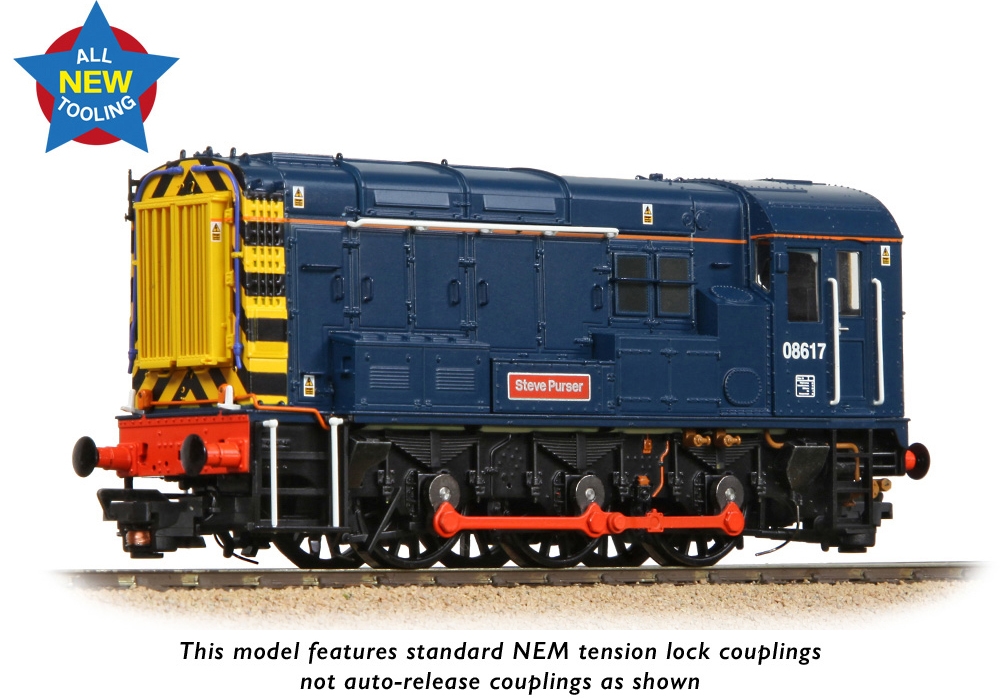 OO GAUGE · DC / DCC READY
BACHMANN BRANCHLINE · 35-915
“Steve Purser” · Pristine BR Blue (Retro)
MORE THAN A LIST OF LOCOMOTIVES
From a favourite inherited model to the latest addition, keep the information you want to find again.
Manufacturer, model, class, running number, gauge and livery, with purchase and storage details.
DC, DCC or sound. Record the decoder, address, interface, sound project and the CV settings you chose.
Services, repairs, parts, modifications and faults form a timeline for each locomotive.
BRING YOUR COLLECTION WITH YOU
Upload an export from another collection tool or your own spreadsheet. Match the columns, review the models and choose what to import.
Duplicate warnings help you spot repeat entries. Your existing collection stays intact, and you can export it again whenever you need.
Import your collectionFROM THE WORKSHOP BENCH TO YOUR COLLECTION
A Platform Collectables claim link or QR service card adds your locomotive and its customer-visible workshop history to your account.
Receive service card
↓Sign in and claim
↓Keep its history in My CollectionOne-use claim links · Customer-visible recordsFEATURED WORKSHOP · FOUNDING SPONSOR
Keep a fault record in DecoderHub, then book an inspection with Platform Collectables. Booking, assessment and repair arrangements take place on their website.
N & OO gauge servicing and repairs
Book a serviceA FEW PRACTICAL DETAILS
Decoder Hub is a web app, so it runs in your browser on phone, tablet and desktop. You can also add it to your home screen or install it from a supported browser for quicker access. It is not currently downloaded through the Apple App Store or Google Play, and your account and records remain the same however you open it.
Yes. Export a collection table as CSV, TSV or Excel .xlsx, then use Import in My Collection. You choose a worksheet and match its columns. Import handles up to 100 models at a time. It imports collection details; it does not turn imported service notes into verified workshop records.
It means the service entry was created by the named workshop account in DecoderHub. Personal and imported records do not receive that verification. Internal notes are not included in a customer’s records or exports.
Create a free DecoderHub account using the secure sign-in form. Account verification and recovery are handled by Clerk.
Yes. CSV export includes your DC or DCC collection fields. The Excel-compatible XML workbook also includes a second worksheet of your visible history.
YOUR MODELS. YOUR RECORDS.